
Back to Resources
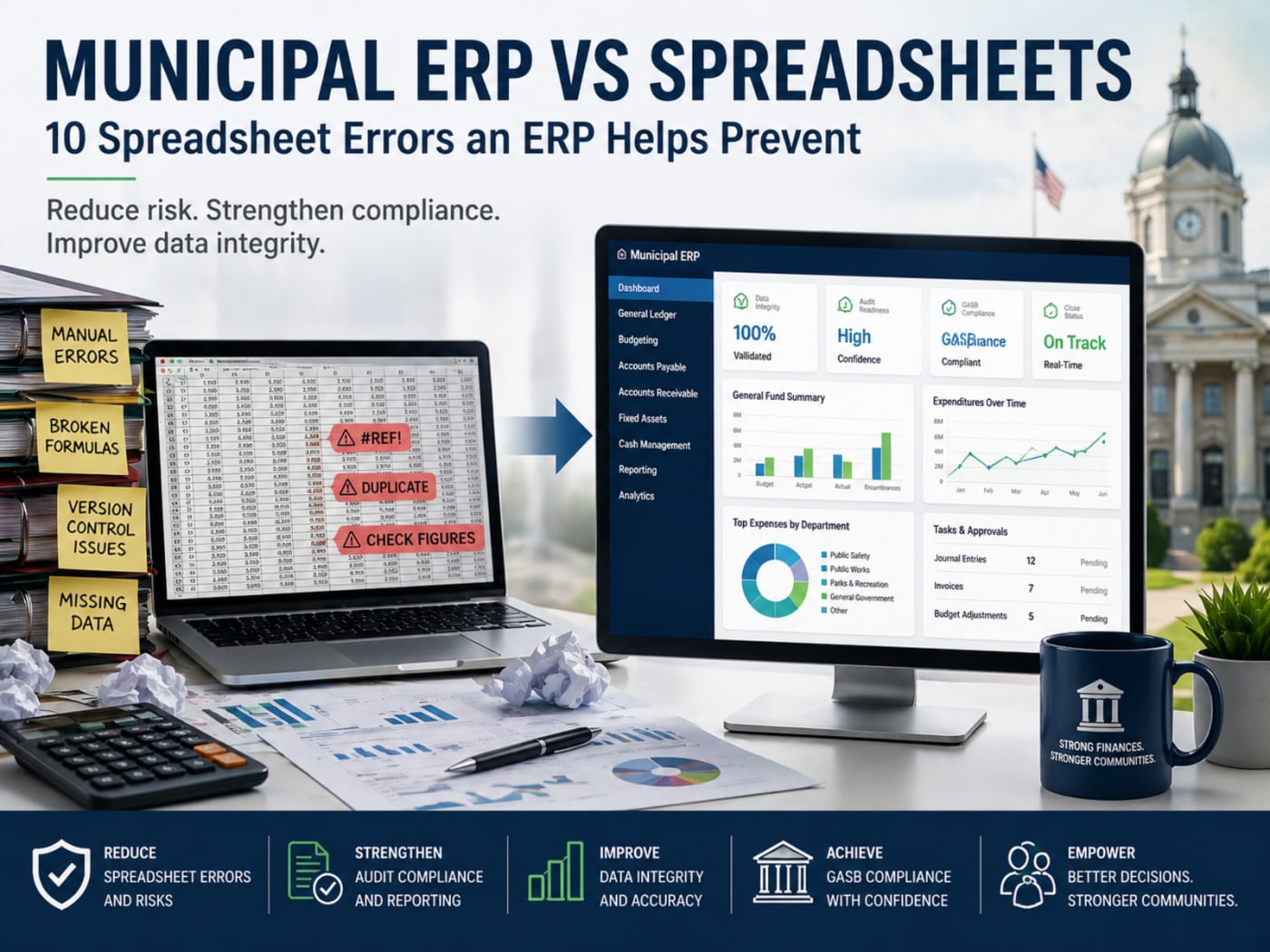
10 Municipal Spreadsheet Errors an ERP Helps Prevent
Blog
April 30, 2026
Why This Matters
For years, spreadsheets have been the backbone of municipal finance. They are familiar and flexible, but they come with hidden risks that tend to surface at the worst possible time, during audits, reporting cycles, or budget reviews.
The debate around municipal ERP vs spreadsheets is not about preference. It is about control, accuracy, and accountability.
A purpose-built municipal ERP replaces scattered files with a single, structured system. It reduces audit exposure, strengthens government accounting and reporting, and improves confidence in the numbers.
Below are ten common spreadsheet risks and how an ERP addresses them.
1. Version Control Confusion
The problem: Multiple versions of the same file exist, often across departments. Teams waste time verifying which version is correct.
ERP solution: A centralized database ensures one source of truth with real-time updates.
2. Manual Data Entry Errors
The problem: Copying and pasting data introduces mistakes that are easy to miss and difficult to trace.
ERP solution: Data is entered once and flows through the system automatically, improving data integrity and audit compliance.
3. Broken or Hidden Formulas
The problem: A single incorrect formula can distort reports without immediate detection.
ERP solution: System-controlled calculations eliminate reliance on user-built formulas.
4. Weak Audit Trails
The problem: Spreadsheets do not reliably track changes, making it hard to explain discrepancies.
ERP solution: Full audit trails record who made changes, when, and why.
5. Inconsistent Reporting
The problem: Departments use different formats and assumptions, leading to conflicting reports.
ERP solution: Standardized reporting ensures consistency across all departments.
6. Limited GASB Support
The problem: Spreadsheets struggle with complex GASB requirements and reporting structures.
ERP solution: Built-in frameworks support compliance and simplify financial statement preparation.
7. Data Silos
The problem: Financial, payroll, and billing data live in separate files, limiting visibility.
ERP solution: Integrated modules provide a complete view of municipal operations.
8. Security Risks
The problem: Files shared through email or local storage increase the risk of unauthorized access.
ERP solution: Role-based permissions protect sensitive financial data.
9. Inefficient Budget Preparation
The problem: Budgeting requires manual consolidation and repeated data entry.
ERP solution: Structured workflows, historical comparisons, and automated updates improve municipal finance management.
10. Poor Scalability
The problem: Budgeting requires manual consolidation and repeated data entry.
ERP solution: Structured workflows, historical comparisons, and automated updates improve municipal finance management.
Municipal ERP vs Spreadsheets: A Practical Comparison
| Capability | Spreadsheets | Municpal ERP |
Data accuracy | Prone to manual error | System-controlled accuracy |
Audit readiness | Limited visibility | Full audit trails |
Reporting | Inconsistent | Standardized |
Security | Weak controls | Role-based access |
Scalability | Limited | Built for growth |
Final Thoughts
Spreadsheets served their purpose. They helped teams get work done when systems were limited. But municipal finance has changed. Expectations are higher, audits are stricter, and leadership needs clear, reliable information.
Holding onto outdated processes creates risk. Not immediately, but steadily over time.
A municipal ERP brings structure back into the process. It strengthens reporting, improves accountability, and gives leaders confidence in their decisions.
At some point, every organization has to decide whether they are managing their data or chasing it.
For many municipalities, that decision is already being made
Frequently Asked Questions
Are spreadsheets still acceptable for municipal finance?
Spreadsheets can support small, isolated tasks. They become risky when used for core financial operations, reporting, or compliance.
What are the biggest spreadsheet errors and risks in local government?
The most common issues include manual entry errors, broken formulas, lack of audit trails, and inconsistent reporting. These directly impact data integrity and audit outcomes.
How does a municipal ERP improve audit compliance?
An ERP system tracks every transaction, enforces consistent processes, and provides clear documentation. This reduces audit findings and strengthens accountability.
What should finance and IT leaders look for in ERP implementation for local government?
Focus on systems built specifically for municipalities, with strong reporting, integrated modules, and clear audit capabilities. Ease of use and long-term support also matter.