Back to Resources
Mobile Work Order Software for Local Government | SmartFusion
Blog
October 2, 2026
SmartFusion Mobile Work Order Keeps Field Crews and Supervisors Connected
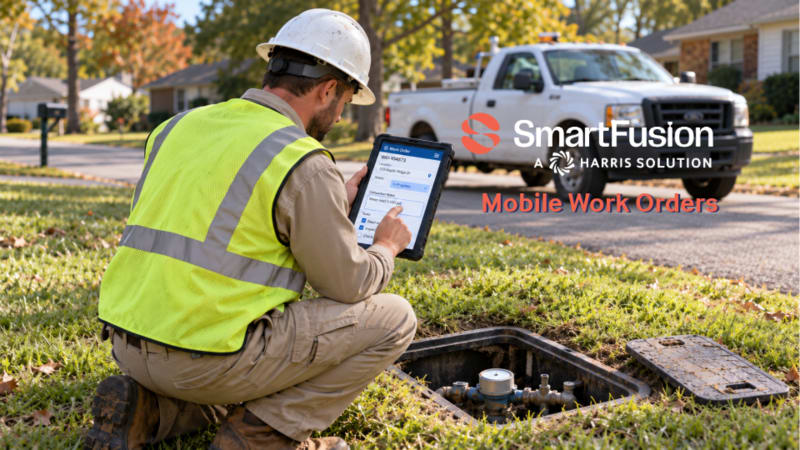
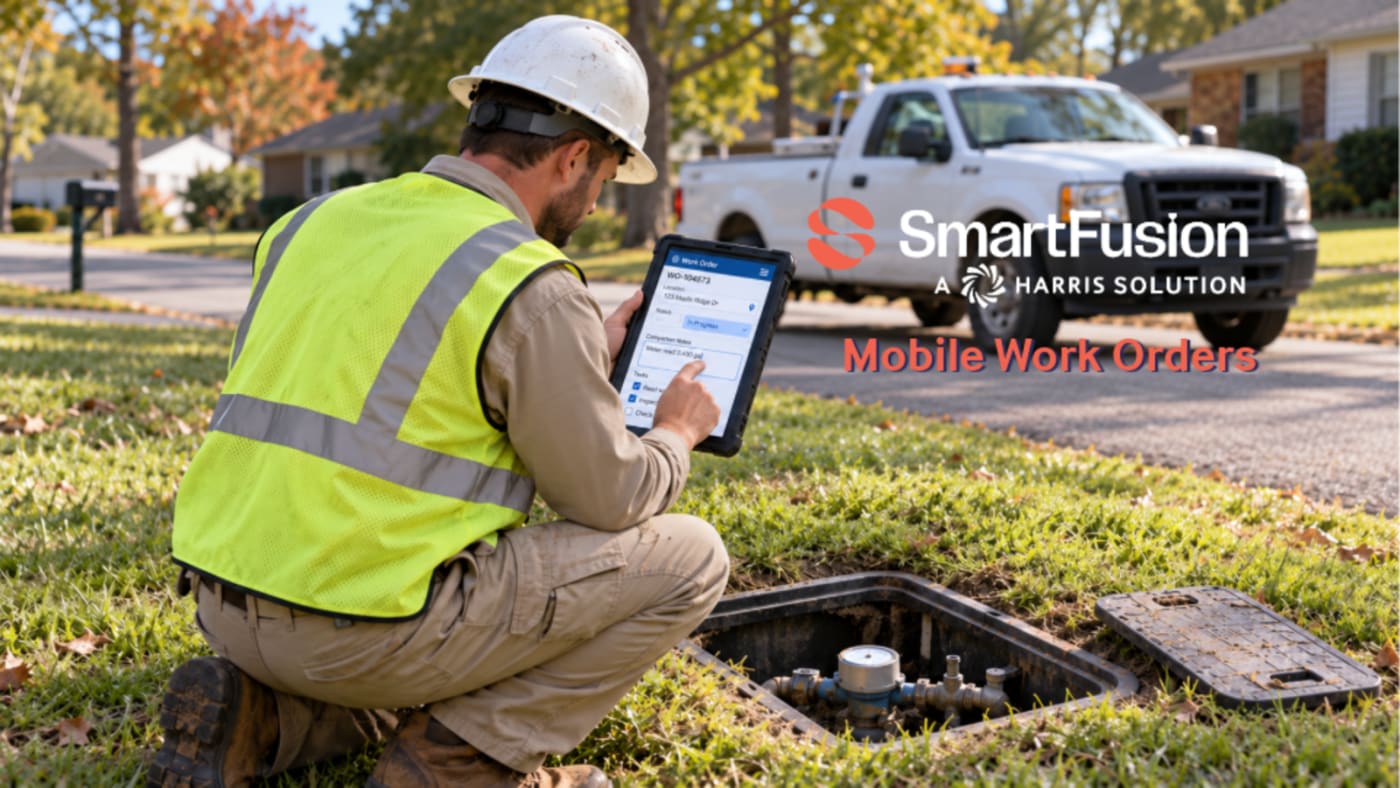
SmartFusion Mobile Work Order connects field crews with the SmartFusion Work Order module. Supervisors assign tasks, employees receive alerts, and crews record photos, completion notes, and time from mobile devices. Google Maps helps staff locate properties, while completion notifications and data sent back to SmartFusion help supervisors track assigned work.
A crew finishes a job. The supervisor still needs an update. Someone back at the office needs the notes before the record can be closed.
When those handoffs depend on phone calls, paper forms, or memory, the administrative work can outlast the fieldwork. Residents may be waiting for an answer while staff are still piecing together what happened.
SmartFusion Mobile Work Order gives municipal teams a way to keep assignments, field documentation, and completion information connected to their existing SmartFusion Work Order module.
Give Crews a Clear Assignment
Supervisors can assign work orders to staff and trigger notifications by email, text, or both. When employees log in, they can view all their assigned work orders in one place.
That shared view gives the assignment a clear starting point. Staff can check their work, and supervisors have a consistent process for passing tasks to the people responsible for completing them.
Finding the location matters, too. Google Maps integration provides property location information and ground-level imagery to help staff identify the site and find their way there.
For a crew heading to an unfamiliar property, that context can make the assignment easier to follow before work begins.
Keep the Record With the Work
Field conditions are easier to explain when the record includes what the employee saw. SmartFusion Mobile Work Order lets staff attach images taken on mobile devices directly to the corresponding work order.
Employees can also complete work orders and enter completion notes. That information is sent back to SmartFusion for reporting and analysis.
The workflow supports three practical needs:
- Document the task: Attach photos to the work order they belong to.
- Explain the outcome: Enter relevant completion notes from the field.
- Account for time: Automatically record time data and send it to SmartFusion.
A photo adds context. A note explains the work. A time record helps account for the effort involved. Together, those details give supervisors a fuller picture than a verbal update alone.
Give Supervisors a Clear Completion Update
Supervisors receive notifications when work orders are completed. They can stay informed without relying entirely on a separate call or an end-of-day conversation.
Introducing mobile work orders still takes planning. Crews need a clear expectation for useful photos and notes. Supervisors need a consistent assignment process. Start with those everyday habits so the records support the work rather than become another chore.
For residents, the practical value is better-informed staff who can explain the status of a service task. For municipal leaders, it is a clearer record of assignments, completion, and staff time.
Set a clear standard for how fieldwork is assigned and documented. Give your crews a practical way to carry that standard through to completion.
See SmartFusion Mobile Work Order in Action
How much follow-up does your team need after a field job is finished?
See how SmartFusion connects assignments, photos, completion notes, and time tracking in one work order workflow. Bring your questions and walk through how it could fit your crew’s day.